The take-off tool runs on a computer. Want the link to open there?
Double-click to finish · ⌫ Undo
Tap the first point to finish ·
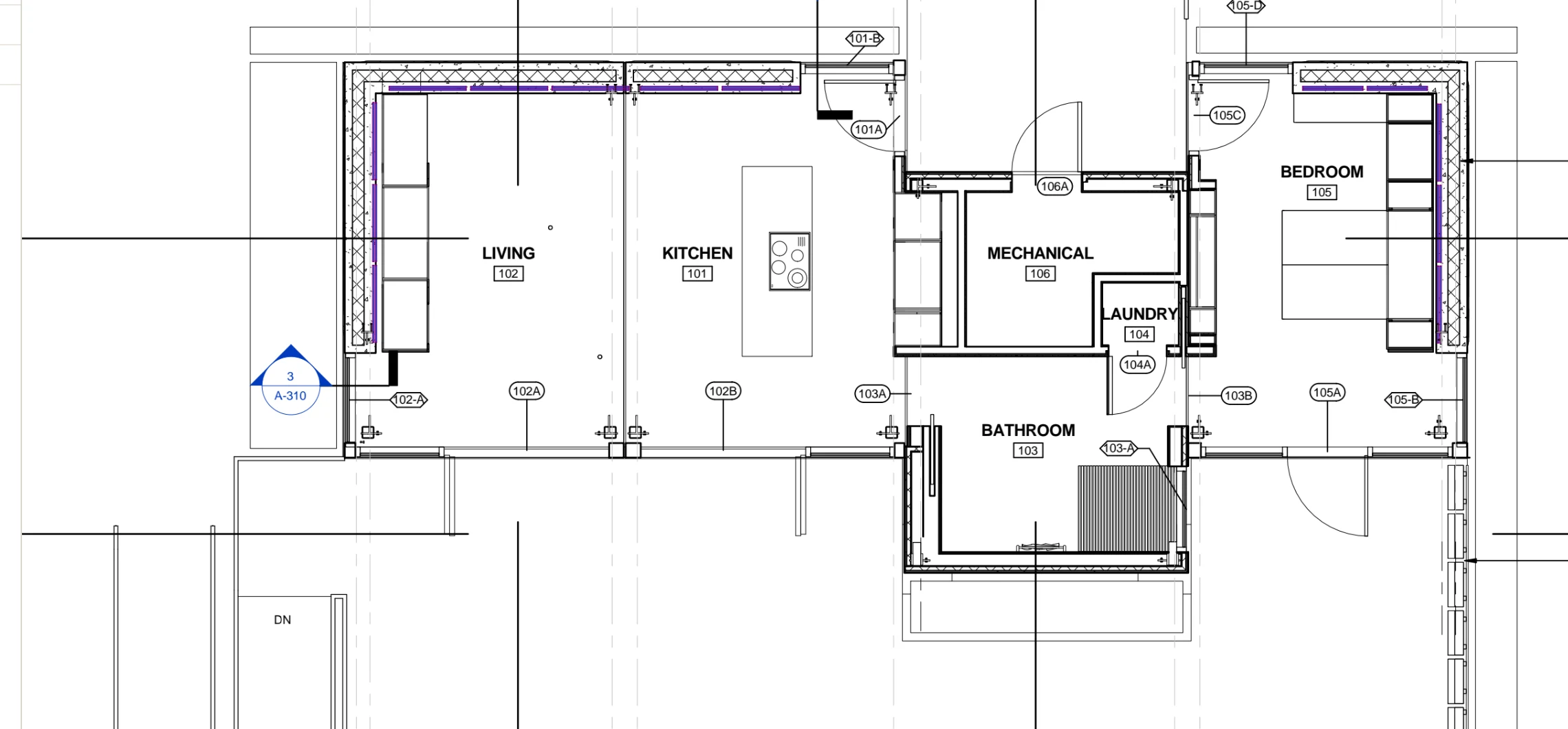
Drawings: UrbanEden, UNC Charlotte · U.S. DOE Solar Decathlon 2013
Everything you get in one tool.
3D view
Move around any sheet in 3D and stand up your take-off to see what you're actually building.
Corner snapping
Your cursor snaps to the corners in the drawing, so measurements land where they should.
Sharp at any zoom
Pages stay crisp as you zoom in, right down to the small print.
Take-off items first
Create the item, then measure. Every shape lands under the right item.
Search and Find
Search any word across your whole drawing set, and box a symbol to find every match on the sheet. Spend your time on the details that matter, not hunting for them.
Assembly library
Start from ready-made assemblies on shelves by material, or save your own and share them across your company.
Symbol library
Snip any detail and save it to your library for future projects, and place scaffold and boom lifts drawn to fit.
Version Control
When the next set is released, overlay the changes and move your take-offs onto the new sheets.
Get to the right sheet
Browse thumbnails, sort and filter by discipline, and get to the sheet you need without digging for it.
Live collaboration
Imagine your whole team doing take-off on a whole drawing set at the same time. Yes, we can do that.
Markups and PDF export
Add clouds, text and callouts, then download the marked-up PDF.
A CRM for your bids
Instead of marked-up files squirreled away in folders on your computer, every document set lives in its own project you can track from bid to award.
When you're ready, estimating, job costing, project management and the field app all run off the same take-off. See the full suite.
A free alternative to Bluebeam and PlanSwift.
Bluebeam: elegant vs overwhelming
Bluebeam gives you every feature in the world you'll never use.
Faster for new hires. New employees take a long time to get comfortable in Bluebeam and to find the tools they need among everything they don't.
Take-off items come first. In Bluebeam you draw separate objects, and only then sort them into items in a list. Here you create the take-off item and start measuring.
Live by default. Bluebeam's Studio Sessions let people mark up the same PDF, but someone has to set one up, and only the person who added a markup can edit it. Here your whole team works the same take-off.
Free. Bluebeam's take-off tools are on its Complete plan, at $440 per user a year.
PlanSwift: modern vs dated
PlanSwift has been around a long time, and it runs like it.
No fighting big jobs. PlanSwift works fine if you're working on grandma's house. On serious commercial work, it just doesn't cut it: with hundreds of items or 100,000 SF of take-off, you get constant lag and long waits to open a project.
Sharper as you zoom. PlanSwift's desktop software rasterizes pages, so detail gets worse as you zoom in, not better.
Real corner snapping. PlanSwift's Snap doesn't work on the points in an imported PDF. Ours snaps to the corners in the drawing.
One take-off, whole team. PlanSwift says more than one user in a job file will corrupt it, so everyone works their own copy and merges afterward. Here you all work the same take-off at the same time.
Find your sheets. See thumbnails and sort by discipline, which you can't do in PlanSwift.
Free, in your browser. PlanSwift runs on Windows and costs $2,000 to $3,000 a year per seat.
Common questions
Yes. Take-Off & Markup and the CRM stay free, with no card and no expiry. You only pay if you choose the full suite.
No. Open the tool and drop in a PDF. You only make a free workspace when you want to save your quantities.
Yes. Your work saves in real time as you go. Create your free workspace to keep it for good. A session without a workspace is cleared after 24 hours.
Areas, lengths and counts, totaled as you draw. You can also mark up the drawings with clouds, text and callouts.
Any PDF up to 250 MB.
No, it needs a computer. On a phone, we can send you the link to open later.
Bluebeam does far more than take-off, which makes it a lot to learn. Here you create a take-off item and start measuring, and it's free. Bluebeam's take-off tools are on its Complete plan, at $440 per user a year.
PlanSwift runs on Windows and costs $2,000 to $3,000 a year per seat. This runs in your browser for free, stays sharp as you zoom, and snaps to the corners in your PDF.
Estimating, job costing, project management and the field app. It's four months free, then $50 a month for your company.
Measure your next job for free.
Bring your own drawings. It takes about a minute to get started.