Hours, photos, drawings, daily logs and the questions that come up at 7am — handled on site, in the moment, by the people doing the work. And every bit of it lands in the office on the job it belongs to, without anybody re-typing a thing.
On the App Store and Google Play, or in any phone's browser.
Photos sit in somebody's camera roll. Hours are on a timesheet that shows up Friday. The drawings in the truck are two revisions old, the daily log gets rebuilt from memory at the end of the week, and the answer to Tuesday's question lives in a text thread on the foreman's phone.
None of it is missing. It's in the wrong place — and the office pays for that in re-keying, rework and arguments nobody can settle.
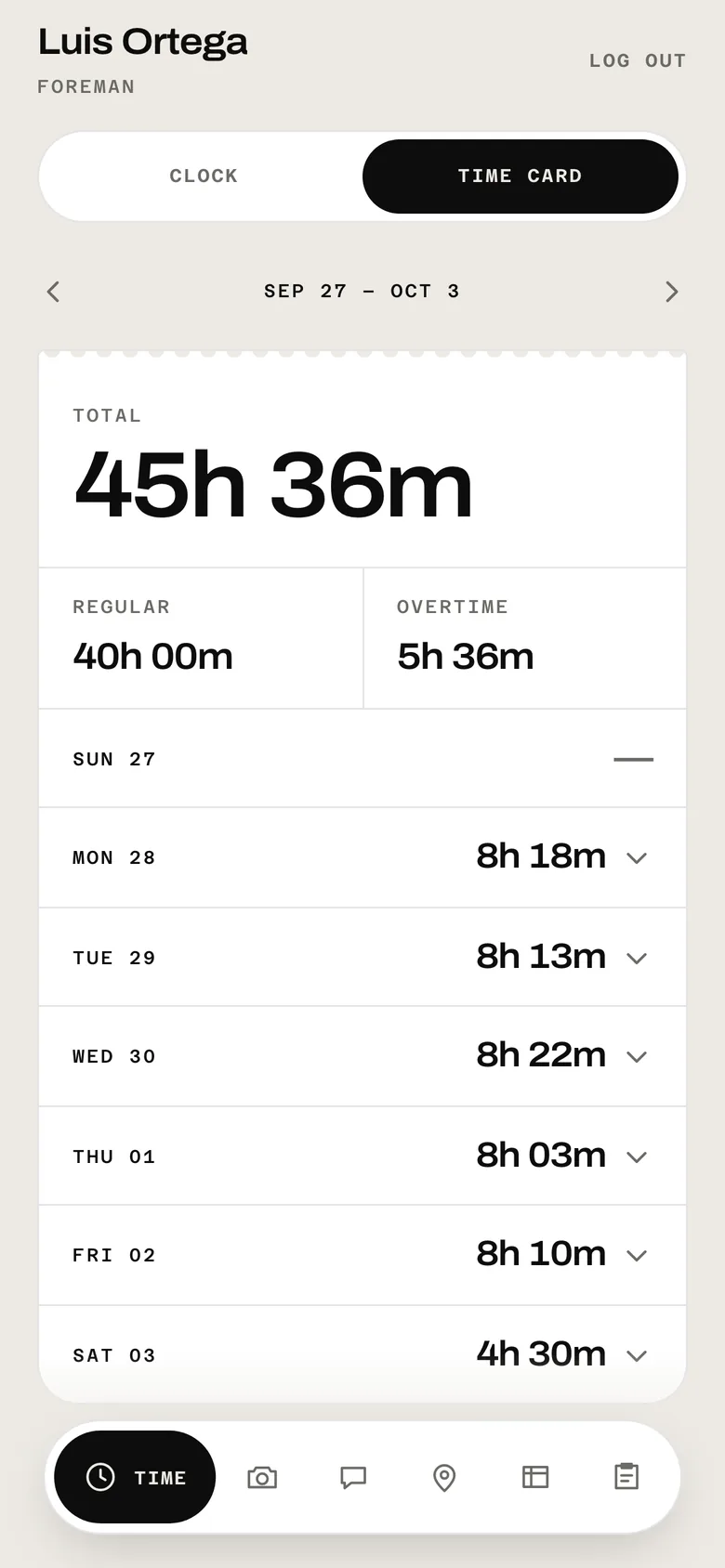
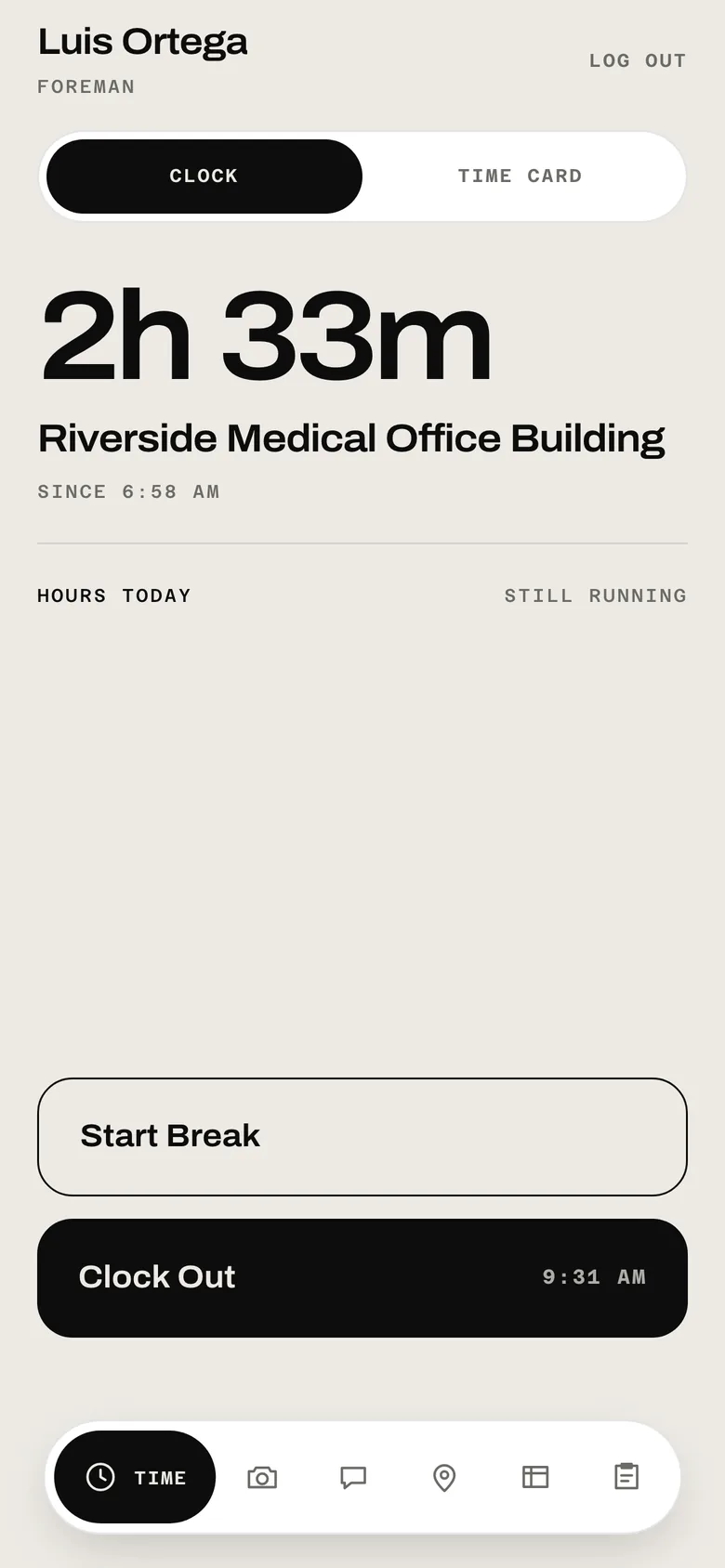
Your crew clocks in at the gate with a four-digit PIN — or their face, on their own iPhone. They pick the job, the phone records where they were, and the clock runs. Breaks, overtime and the week's total add themselves up on their time card.
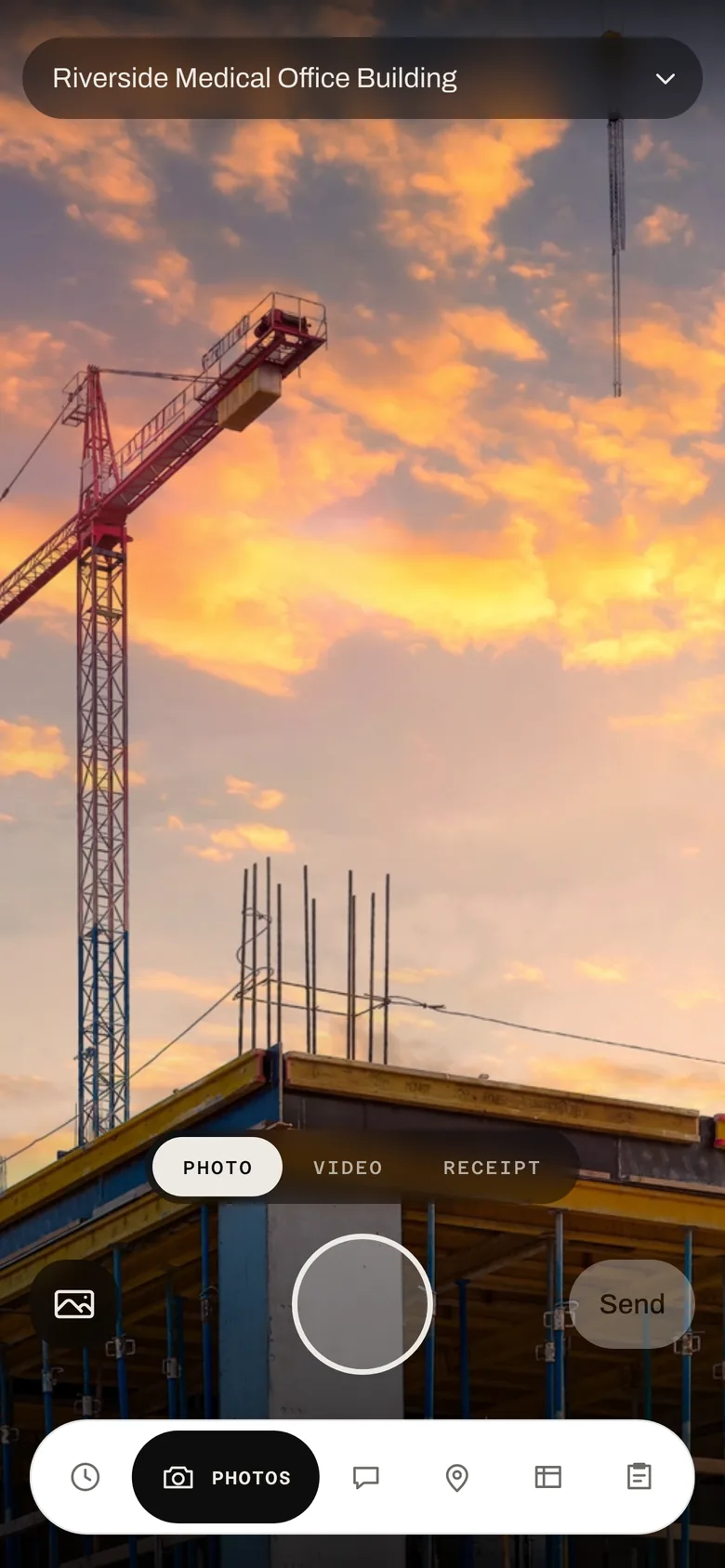
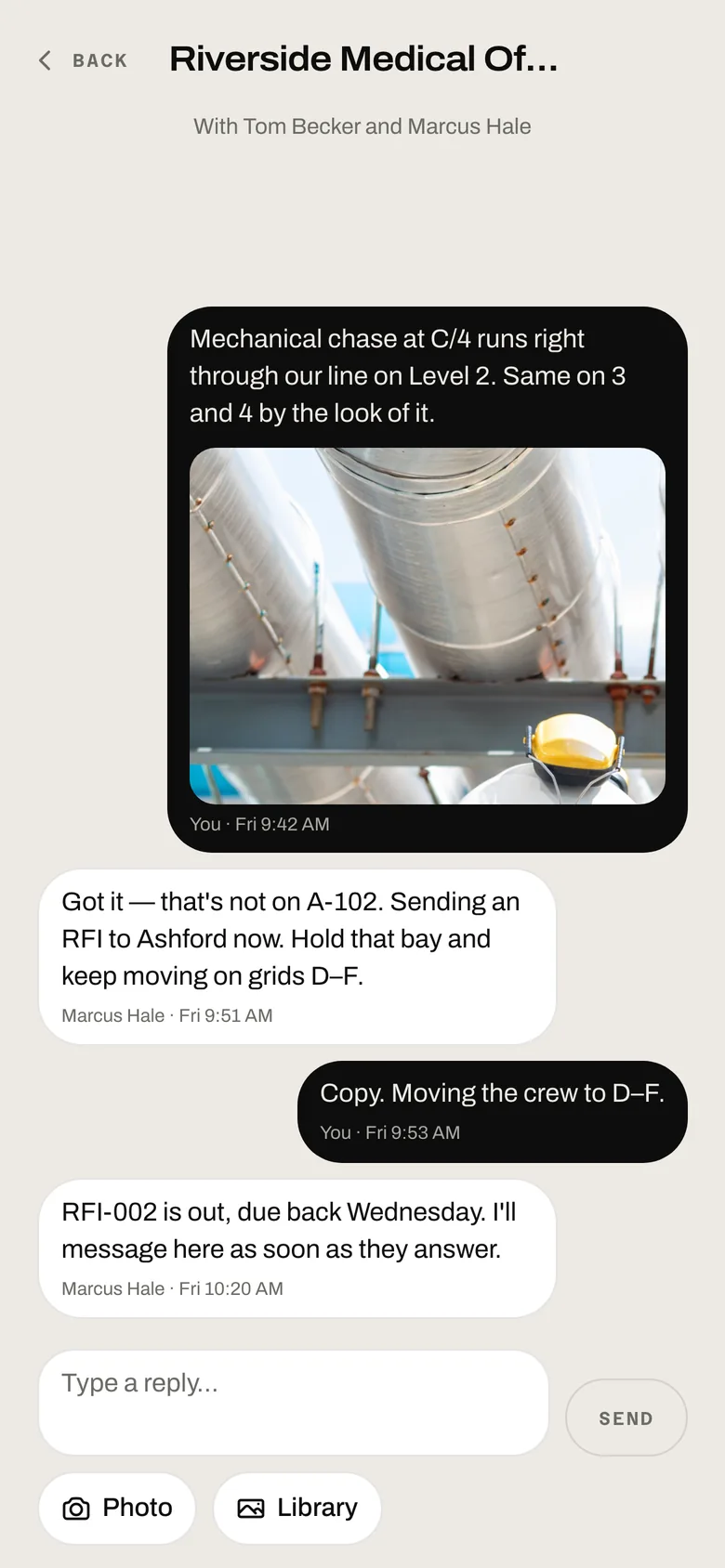
The camera is a tab, not a separate app. Every photo and video lands on the job it was taken on, dated and signed by whoever took it — so the shot of the conflict at grid C/4 is on the job, not lost between somebody's kids and the dog.

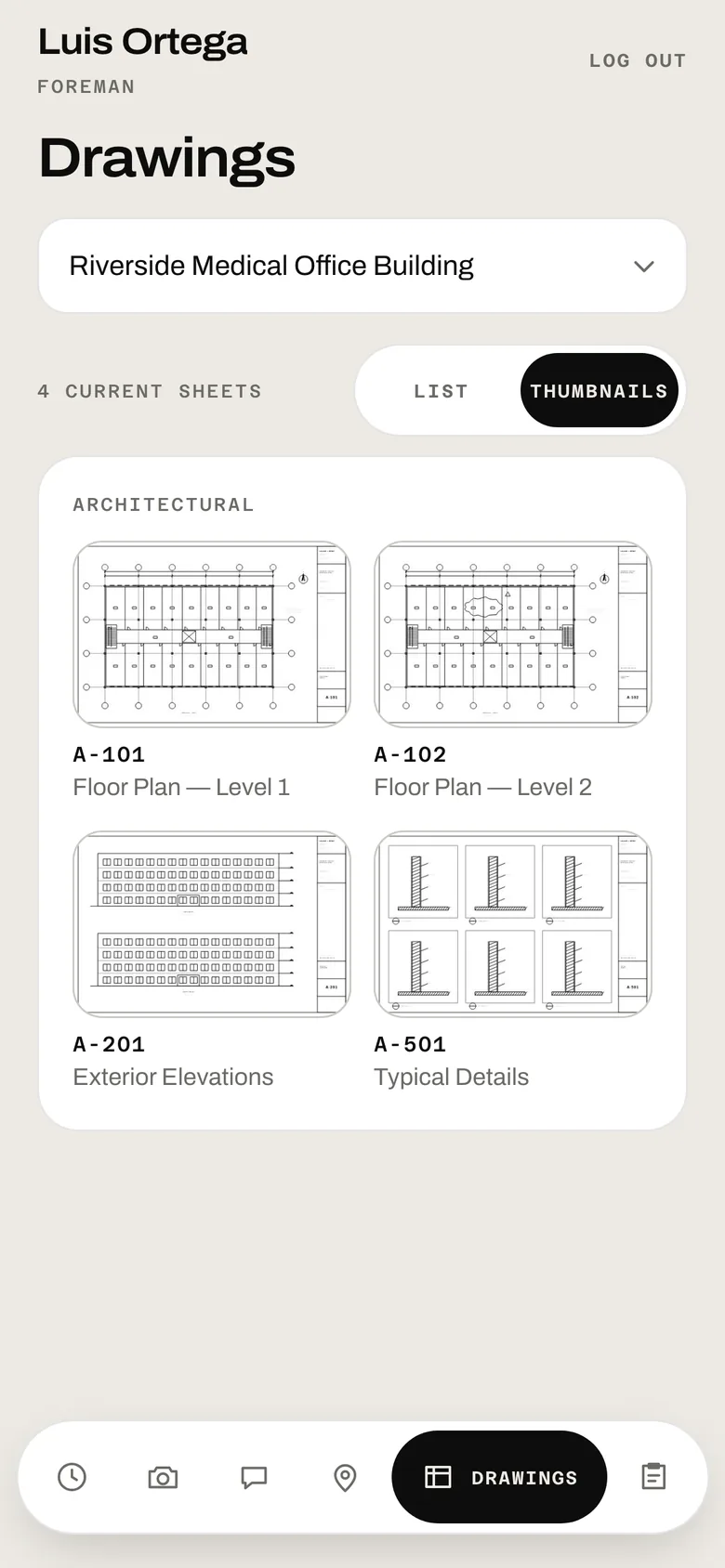
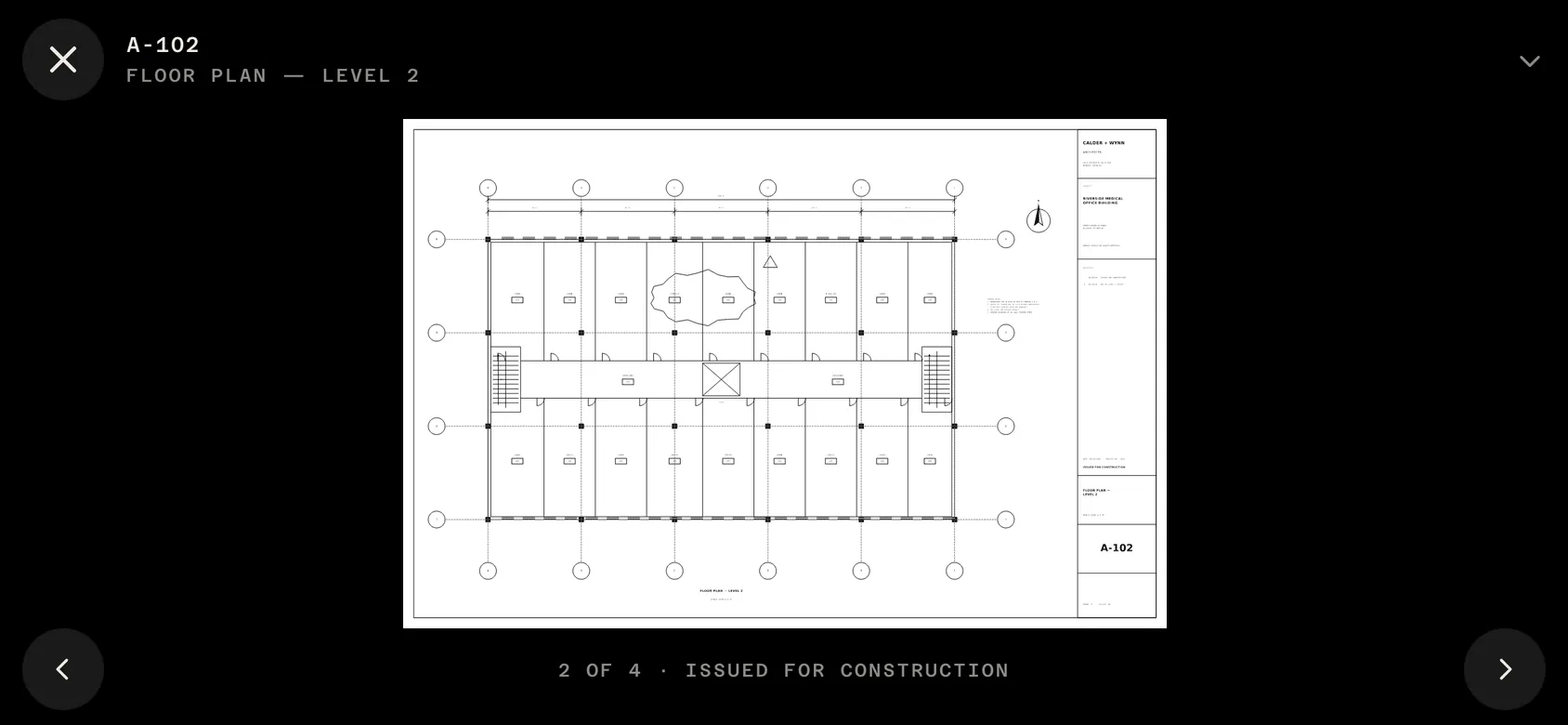
The drawings are on the phone, and they're the ones the office says are current. When a revision comes in, the old sheet steps aside — so nobody builds off a sheet that was superseded two weeks ago.
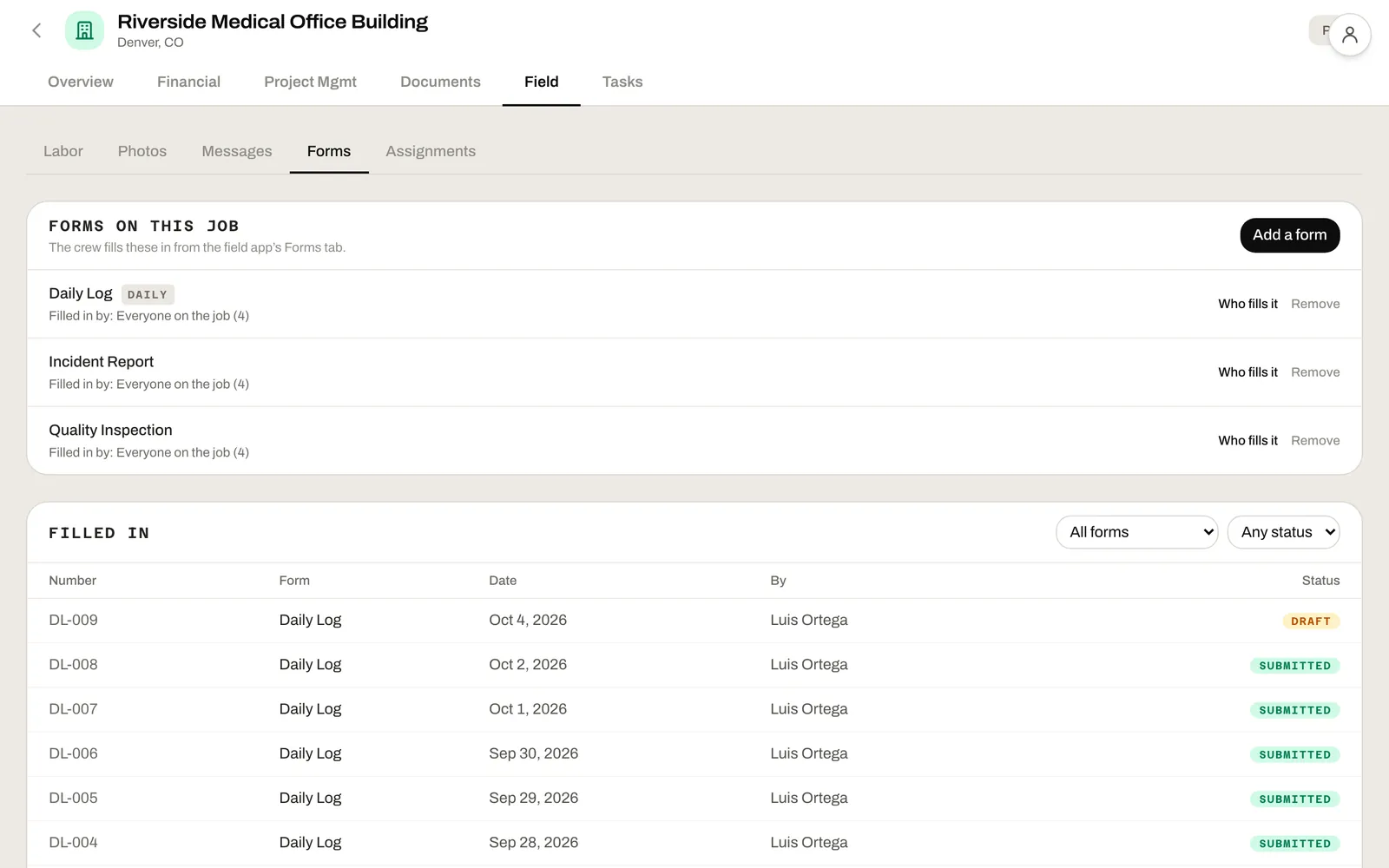
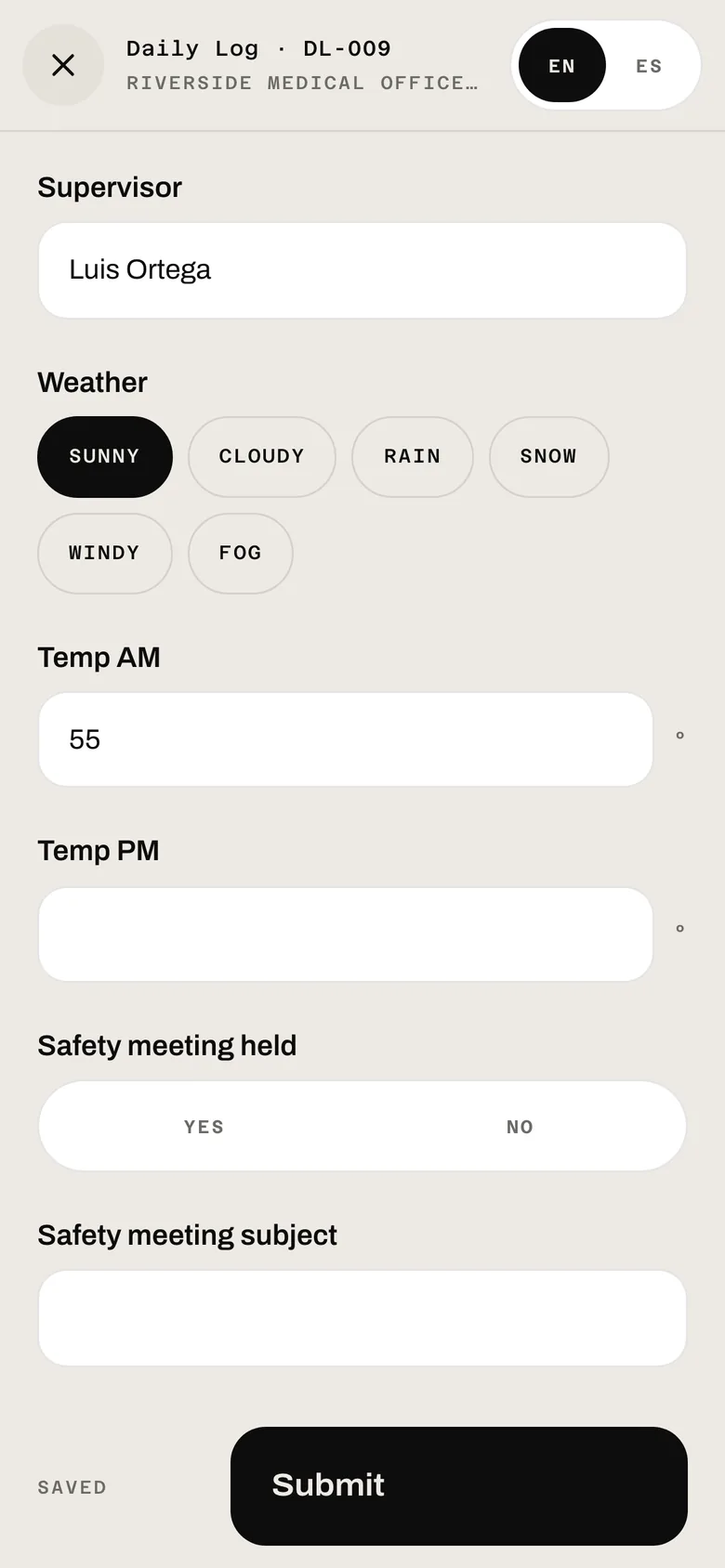
Your project manager builds the forms — daily log, incident report, inspection, anything you track on paper today — and picks which jobs they show up on. The phone fills in what it already knows: the date, the weather, the temperature, who's on site. The foreman writes what happened while it's still today.

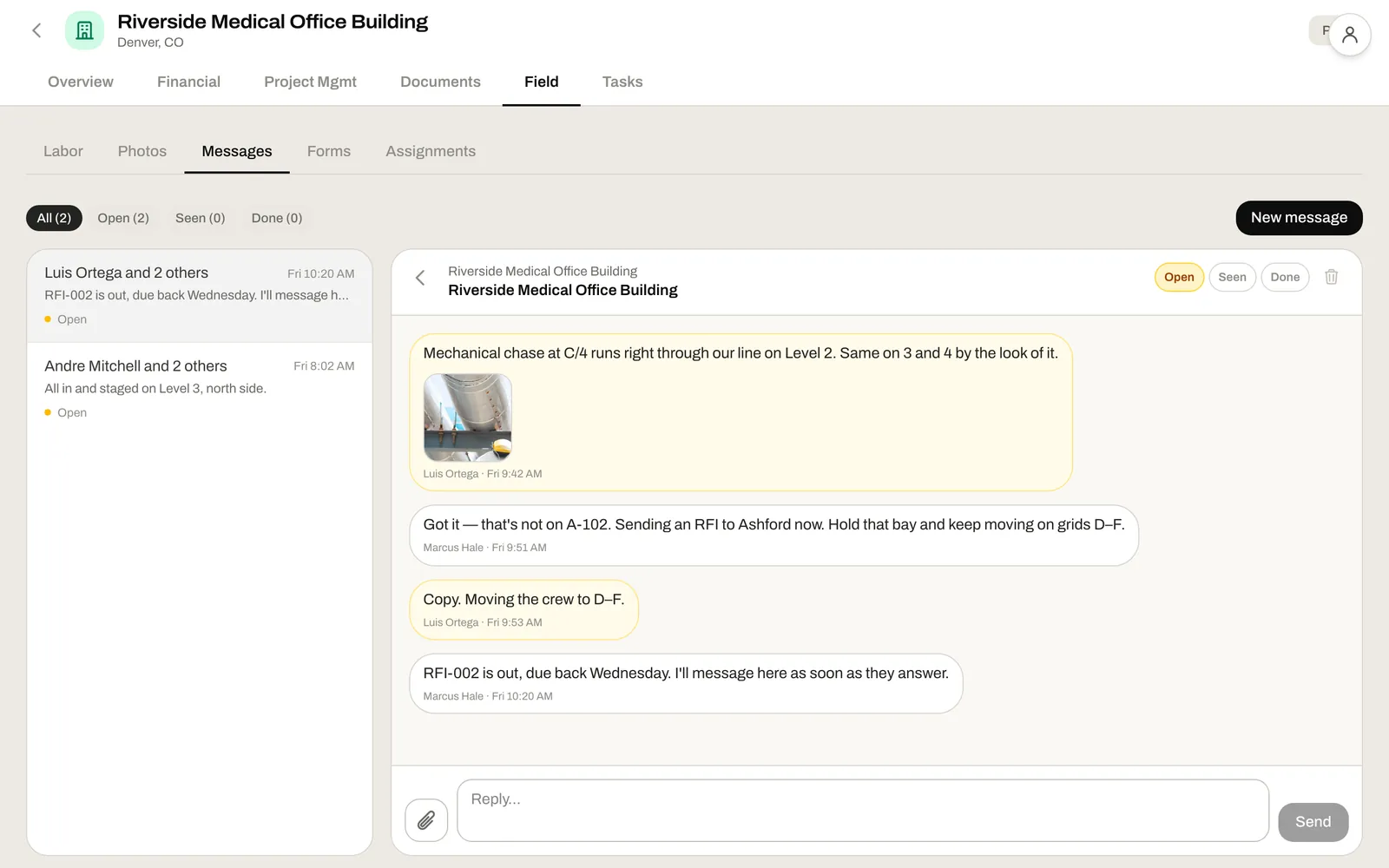
When the field hits a problem, they message the job — photo attached — and the PM answers from wherever they are. The thread stays on the job, so when the RFI goes out the evidence is already there, and when the GC asks what happened, so is the answer.

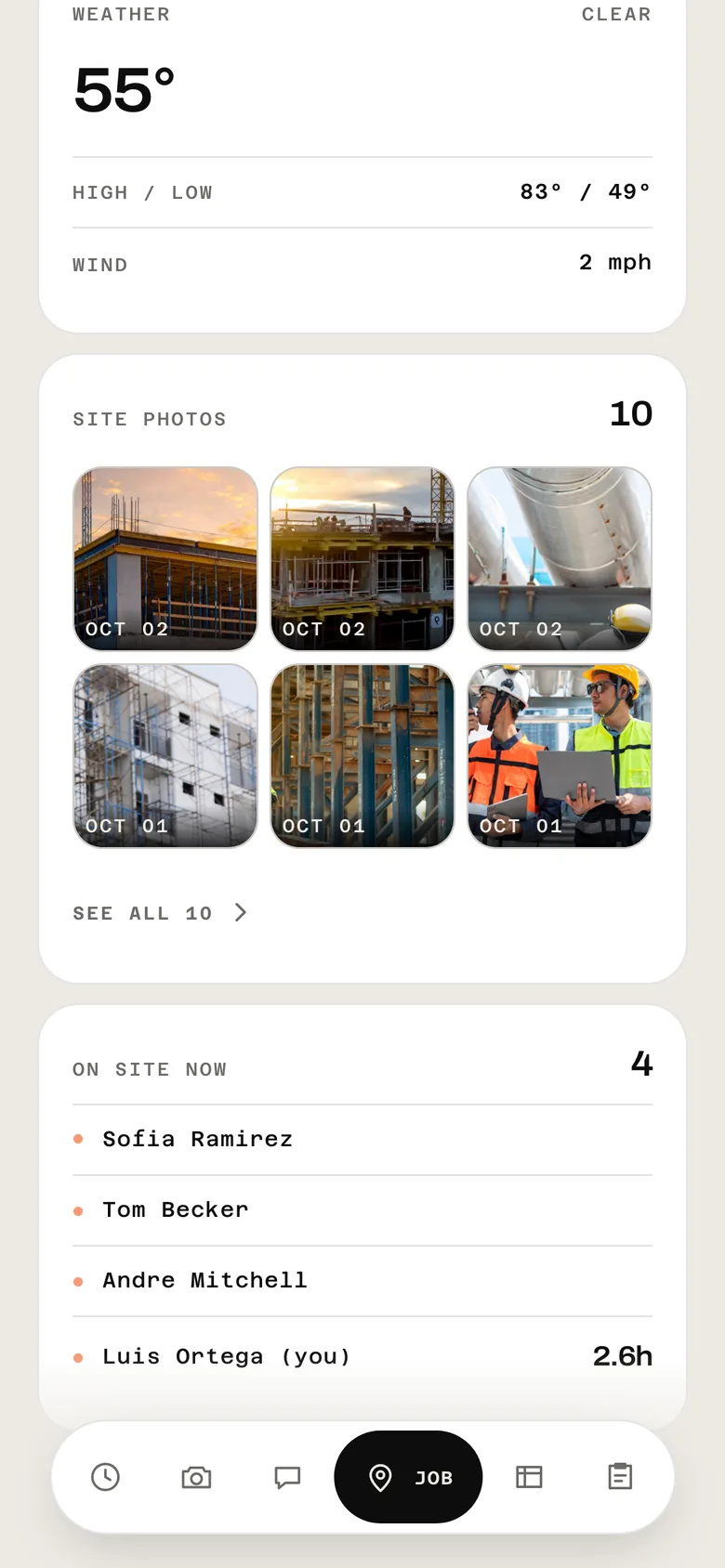
The address, today's weather, the latest photos, the crew, and who's on site right now. The questions a crew asks every morning, answered before anybody has to call the office.
The iPhone app has an office side. Project managers and owners carry their tasks, approvals, messages, pipeline, jobs, forms and drawings — the parts of running a job that don't need a desk.
Nothing the crew does on the phone stays on the phone. It lands on the job, where the office is already working — no exports, no Monday-morning re-keying.
Every punch lands on the job's labor cost as it happens. Approved hours go into a payroll run that exports for Gusto, ADP or your provider.
Daily logs, inspections and field questions sit beside the job's RFIs, submittals and change orders — where the PM is already working.
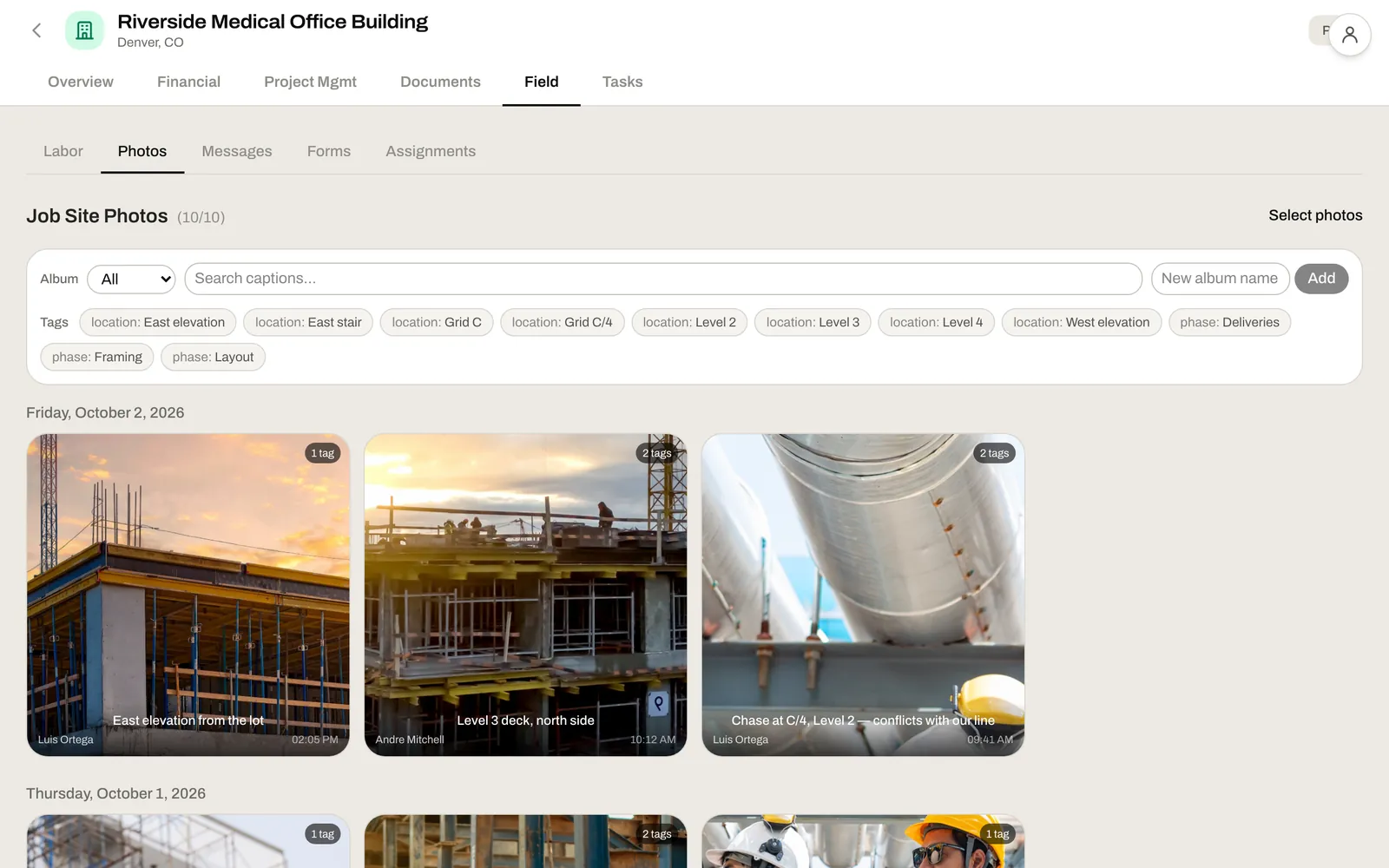
Every photo lives on the job, dated and tagged — the record you reach for in a dispute, a change order or closeout.
Clock in, take the photo, check the drawing. The things they already do — on the phone they already carry.
Who's on site, what's on the current sheet, what the PM said, and today's log — without walking to the trailer.
Hours, photos, logs and questions arrive on the job, already sorted. Nothing to chase, nothing to re-type.
Yes. It's on the App Store and Google Play. On iPhone, the crew can sign in with Face ID and gets a notification when the office replies. Nobody has to install anything, though: the same field app runs in any phone's browser.
Yes. Each person signs in with their own four-digit PIN, so one phone at the trailer can clock in the whole crew, one at a time.
Yes. Every punch records its location, and a punch outside the job's geofence is flagged in the office for review.
Yes. Any form can be set up in both languages, and each person flips between English and Spanish on the form itself.
A form keeps everything on the phone as it's typed, so a dropped signal doesn't lose a half-written daily log. It goes up to the office the next time they type in that form or open it again with signal.
Start a free trial and try it on a live job, or book a 30-minute consultation and we'll walk a day on your site through it — your jobs, your forms, your drawings.